Project Catalog
Official tutorials that guide you build and learn IoT empowered by Azure.

Firmware OTA
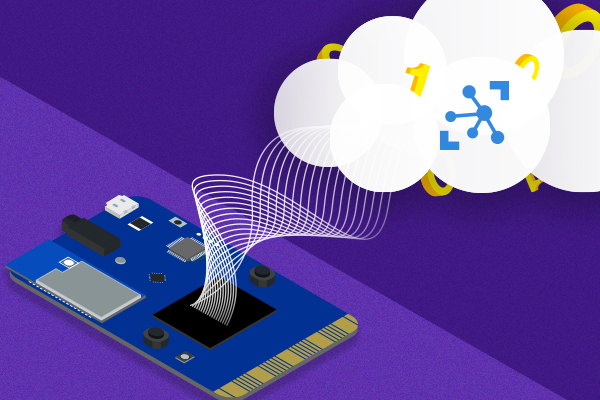
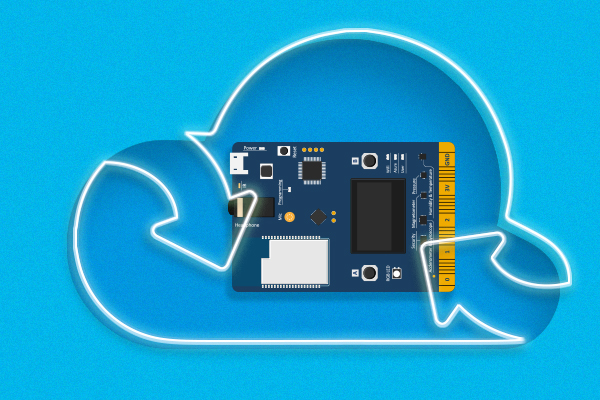
Update IoT DevKit firmware OTA (Over-the-Air) through Azure IoT Hub Automatic Device Management.

Connect to Microsoft IoT Central Permalink
Learn as a device developer, to connect a DevKit to your Microsoft IoT Central application. All within 5 minutes.
Remote Monitoring
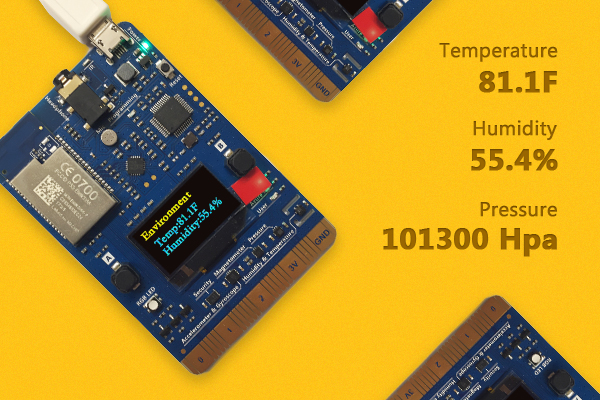
Visualize sensors status on IoT DevKit using Azure IoT Remote Monitoring solution accelerator.


Device registration with DPS
Use the Device Provisioning Service to automatically provision security enabled devices to IoT hub.


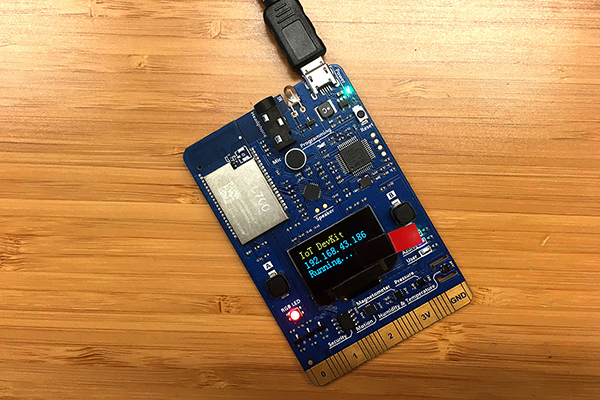
MQTT Client
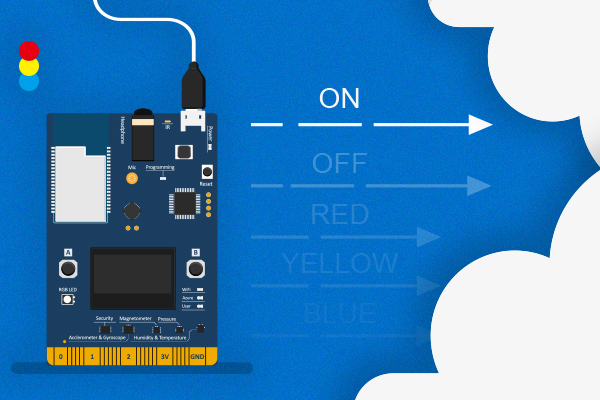
Use IoT DevKit as a client to send messages to MQTT server.
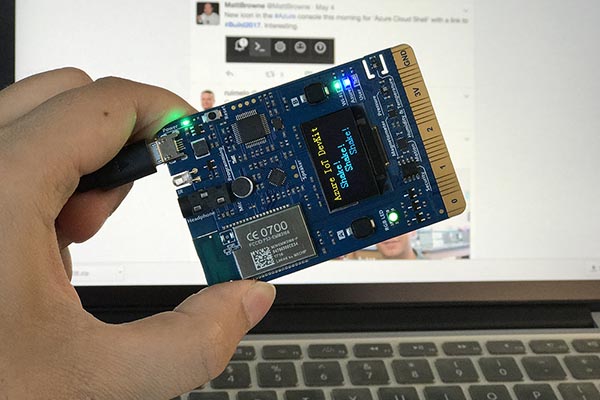
Shake, Shake for a Tweet
Use the motion sensor to detect shaking and find a random tweet with a #hashtag.
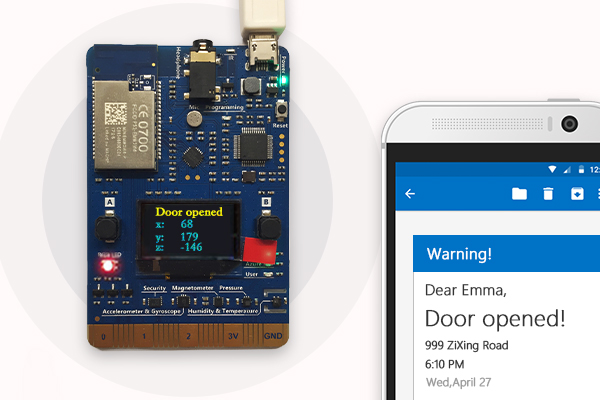

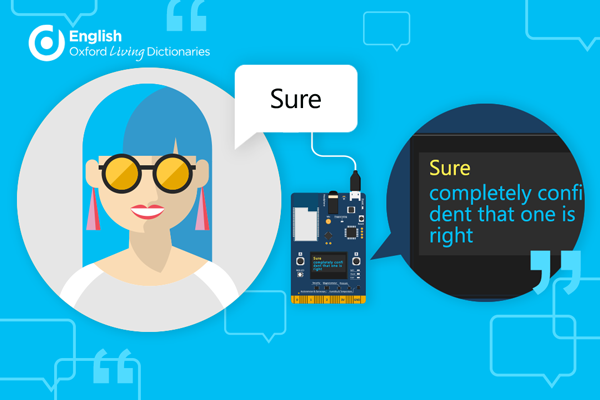
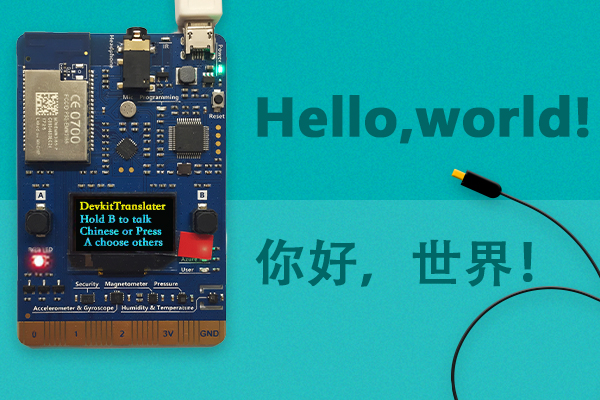
IoT Devkit Dictionary
Learn how to configure DevKit to use Azure Speech Service and Oxford dictionaries API.
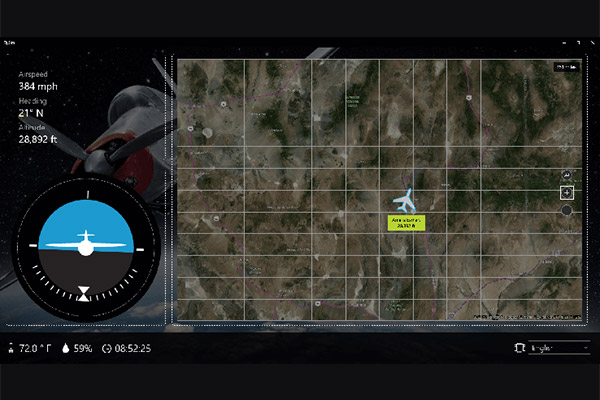
Air Traffic Control Simulator
A comprehensive IoT solution with the very best features Microsoft Azure has to offer.


Community contributed tutorials. Kudos to our developers!
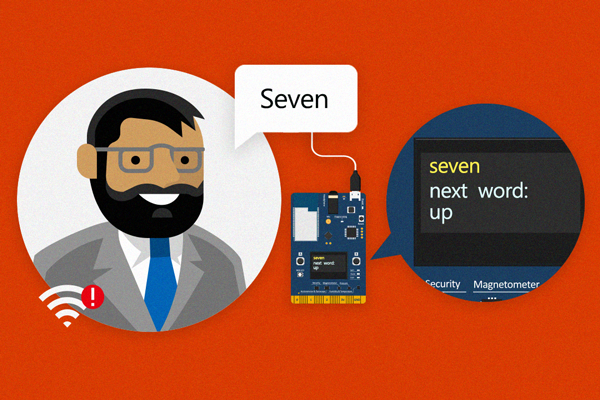
Keyword Spotting on IoT DevKit Permalink
Learn how to do simple voice recognition locally on your IoT DevKit without using a cloud service.

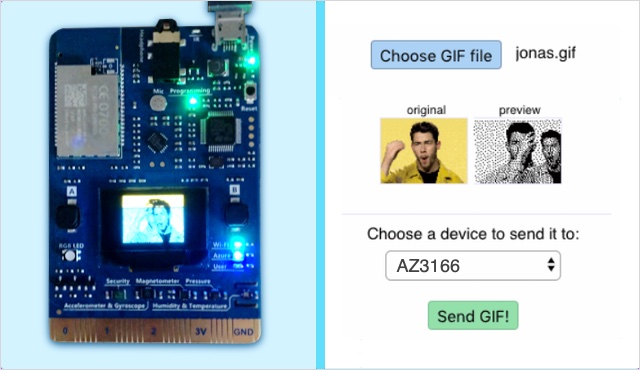
Play GIFs on the IoT DevKit Permalink
A fun application that leverages Azure IoT Hub Direct Methods and Azure App Service to play animated GIFs on the MXCHIP’s screen.

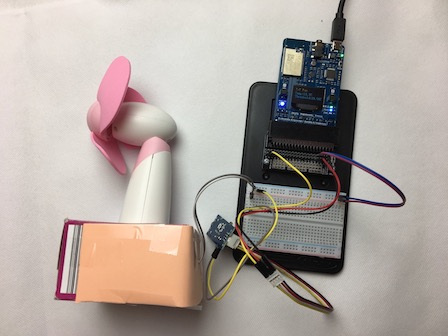
Cloud Controlled Fan Permalink
Keep yourself cool with an internet connected fan that turns on when the temperature rises and turns off when it cools.

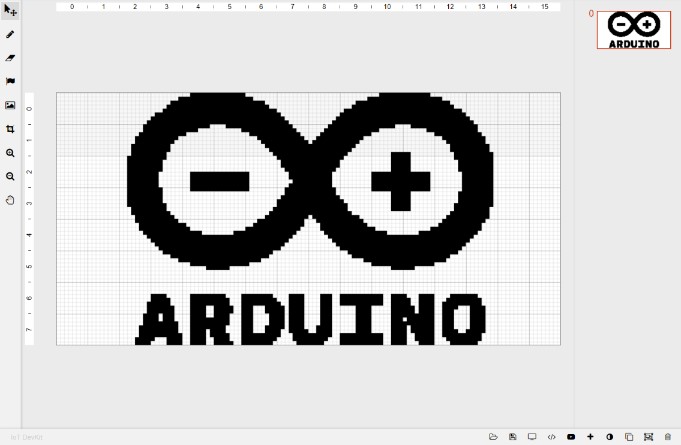
Pixelcraft - A IoT DevKit Painter Permalink
Paint the pixels or import an image to modify on IoT DevKit screen, all within browser now.


Your Ideas? Permalink
Join our Gitter channel to contribute your cool projects or share your ideas with us!